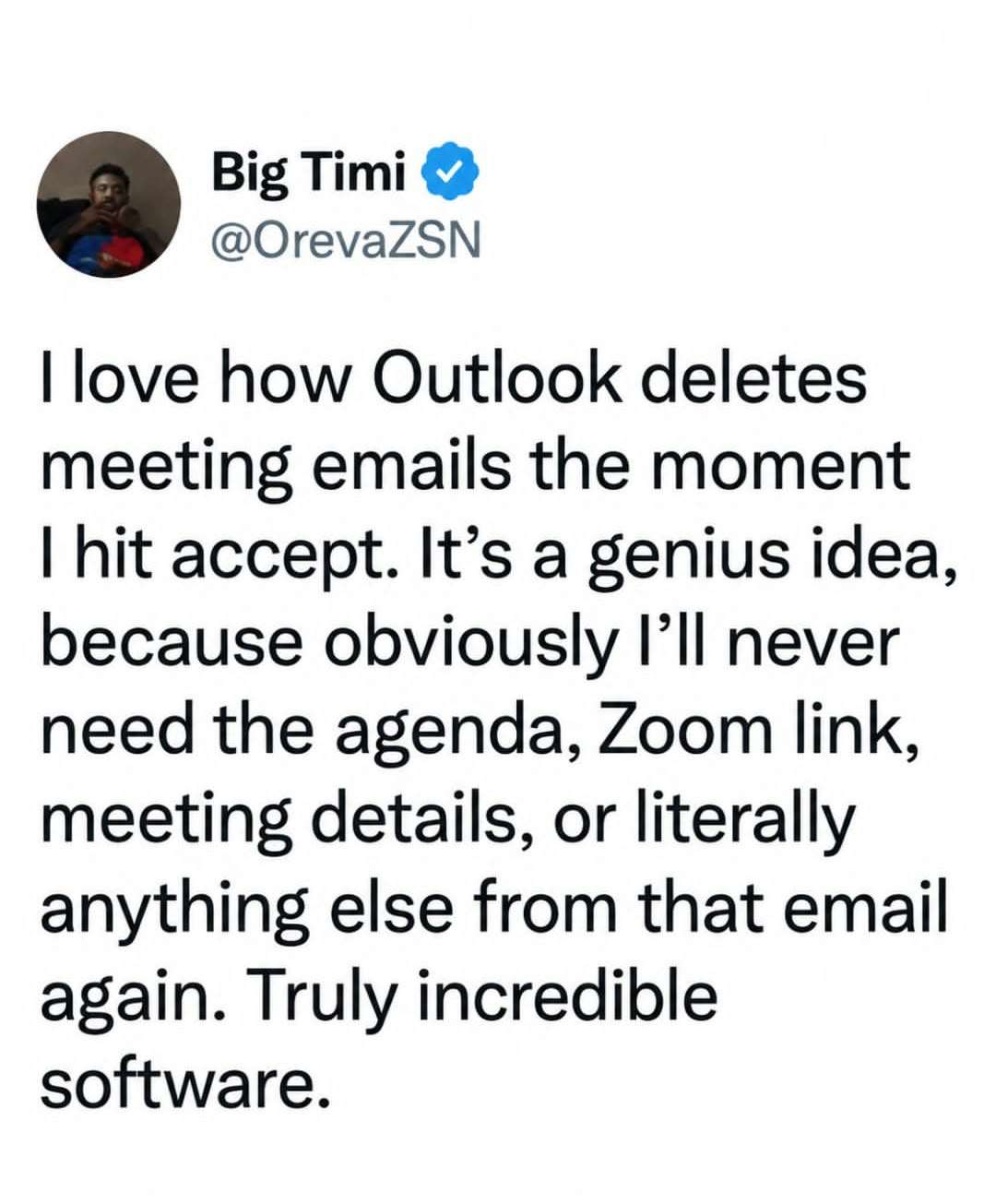
this post was submitted on 29 Sep 2026
1184 points (95.7% liked)
Microblog Memes
12265 readers
1927 users here now
A place to share screenshots of Microblog posts, whether from Mastodon, tumblr, ~~Twitter~~ X, KBin, Threads or elsewhere.
Created as an evolution of White People Twitter and other tweet-capture subreddits.
RULES:
- Your post must be a screen capture of a microblog-type post that includes the UI of the site it came from, preferably also including the avatar and username of the original poster. Including relevant comments made to the original post is encouraged.
- Your post, included comments, or your title/comment should include some kind of commentary or remark on the subject of the screen capture. Your title must include at least one word relevant to your post.
- You are encouraged to provide a link back to the source of your screen capture in the body of your post.
- Current politics and news are allowed, but discouraged. There MUST be some kind of human commentary/reaction included (either by the original poster or you). Just news articles or headlines will be deleted.
- Doctored posts/images and AI are allowed, but discouraged. You MUST indicate this in your post (even if you didn't originally know). If an image is found to be fabricated or edited in any way and it is not properly labeled, it will be deleted.
- Absolutely no NSFL content.
- Be nice. Don't take anything personally. Take political debates to the appropriate communities. Take personal disagreements & arguments to private messages.
- No advertising, brand promotion, or guerrilla marketing.
RELATED COMMUNITIES:
founded 3 years ago
MODERATORS
you are viewing a single comment's thread
view the rest of the comments
view the rest of the comments
Good luck searching in any Microsoft product without knowing the exactly named item.
Alternative would be not deleting it so you can sort by person if you remember who invited you.
You do get a reminder 15 min before the meeting, where you cqn access the meeting and all the details.
Only if the organizer set a reminder for 15 minutes. If they do not set a reminder, you do not get one. Yes, the organizer sets the reminder time. It's stupid.
With regards to this meme: you can find the invite by checking your deleted items or just looking for it in your calendar.
The organizer would have to deliberately disable the reminder...
How else does one manage to skip out on a meeting that one really doesn't want to hold?
"Sorry boss, I tried. Had to reschedule, cause half the meeting never showed."
I have been in such meetings, where the organizer didn't have a reminder set, and because of it several key people didn't get a reminder and either missed the meeting or arrived late.
The only thing worse than organizing a meeting you don't want to hold, is doing it twice
The organizer doesn't set reminders in the first place, except for their own alerts.
Since it's working with open protocols, you can't guarantee that. Someone could be using Thunderbird or some other client with a different setting.
True, but why would any email client just ignore that crucial peice of data from the most common email client?
Even if the devs dislike it, ignoring it would only make it seem as if your client is the one with the issues.
No, I mean from the other side. The meeting organizer could be using an email client that doesn't set a reminder by default.
The question still remains, I would not use a client that the most common email client is incompatible with.
Regardless of if the most common cliebt is idiotic, it is still the de facto standard.
Incompatibility with a standard is the problem of the incompatible program, not the standard.
Sorry, but no, if I am running a company's IT department, I don't care about the official standards, I care about how well the software will work with actual reality.
And if a random hyper compliant communications software won't work with Outlook, then it is rejected out of hand.
So, while your oppinion might be accurate in terms of idiology, but that fails to account for real life
I'm not taking the IT manager's POV. I'm speaking from the point of view of the Outlook PM and developer. Their product has a bug because it doesn't follow spec. They're the ones who have a responsibility to fix it.
Huh? You set your alert preferences, not the organizer.
That would be the expectation, yes. In my experience that is not (always) the case.
You can find several examples online of users complaining about this to Microsoft, going back to at least 2014.
No, it's the reality. The organizer does not set reminders.
I'll just read and comment the 200 page document in preparation to the meeting in 15 minutes, then.