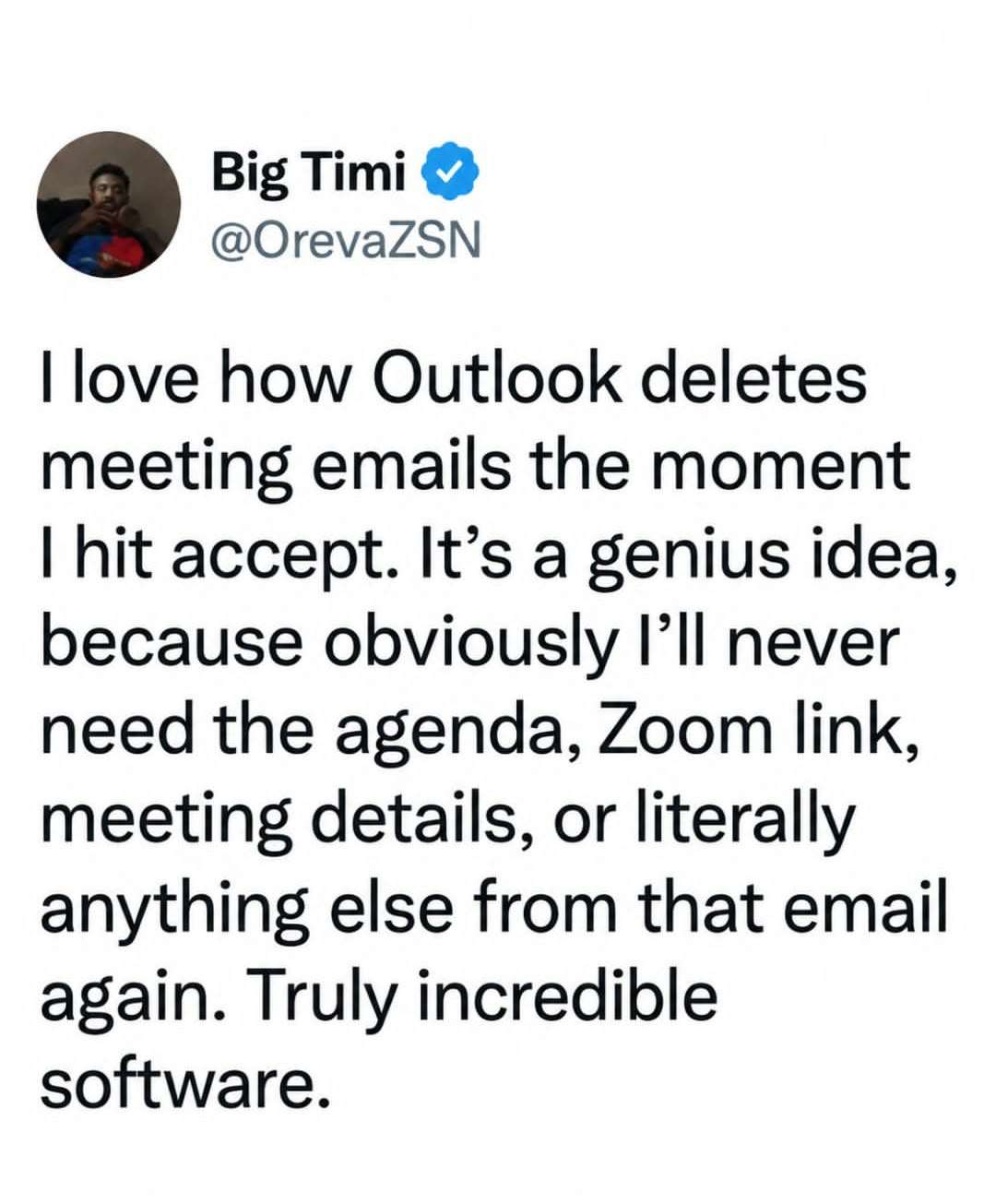
Doesn’t all that go to your calendar?
A place to share screenshots of Microblog posts, whether from Mastodon, tumblr, ~~Twitter~~ X, KBin, Threads or elsewhere.
Created as an evolution of White People Twitter and other tweet-capture subreddits.
RULES:
RELATED COMMUNITIES:
Doesn’t all that go to your calendar?
Yes but God forbid you forget when that meeting is or misremember any detail... good luck finding it in the calendar amongst the rest
Good luck searching in any Microsoft product without knowing the exactly named item.
Alternative would be not deleting it so you can sort by person if you remember who invited you.
Don't forget the correlary. Cancelled meetings remain on your calendar and still trigger reminders and alerts until you manually delete it.
There's also the problem where someone sends a reoccurring meeting, then leaves the company. The meeting can't be removed. Ever.
The guy forgot to look at the calendar?
That and it's a setting in Outlook to delete them or not. If you don't want it done, turn it off.
(This is a pet peeve of mine, use your fucking settings people!)
It shoudknt be the default though.
Drove me mad until in found it.
Then they updated and reset it on my.
Work computer before all the get on linux stuff appears
I didn't know it was an option. Thanks for this, I will change it tomorrow!
It's worthwhile knowing that the calendar is just a view of a folder in an Exchange mailbox, and accepting just moves the item into the calendar folder.
As a former IT worker, i assure you that if its not on the chronological place of the inbox where it "always is", it doesnt exist. Its bad user experience. Copy or link the details to the calendar instead, keep the message unless deleted manually.
I was going to say that. Not that I’m not above hating on the outlook, but the meeting details go into the calendar…
Obligatory
As someone who has been in IT support for twenty years. The fact that people aren't slaughtering Microsoft executives for how terrible a product excel is... it's wild to me.
Every accountant uses excel and every single one of them have called us in IT support to demand we restore 2-18 hours of work only to find out we can't restore it because Microsoft excel (and MS word) are two of the single most broken terrible pieces of shit software.
I'm basically a person who has to tell people the hours of work they did is lost because Microsoft are incompetent
I'm tired boss..
Apple lovers, your crap is lost because Apple are so locked down... Well you think it's locked down, Apple products are actually easier to crack it just takes 5 minutes more.
Yeah, Excel has its issues, but if someone works on a document for 18 hours without hitting the save button, that's on them. I have Excel defaulting to have auto-save turned on and it has greatly reduced the amount of times I have to tell people their data is gone. Of course, there are people who turn it off because they don't like it. But they know that if Excel crashes on them and they lose their work, I can't do anything about it.
The amount of interns/students commenting "its fine/skill issue", shows the demographic of lemmy and how comfortable people are giving stupid opinions about problems they don't have, but are apparently experts on.
To all of you: having the email both in inbox and calendar gives another sorting of the information, which is always a good thing. Some people might prefer removing the emails to "tidy up" inbox, but that shouldn't make it the only option (because those people, other than OCD, probably don't have more than 10 emails / day, with > 50 they would have give up on tidy)
It's not the only option, I have it disabled so they stay in my inbox once accepted/declined.
You work somewhere where the IT policy allows you to change the setting. Lucky
Damn, they lock down your Outlook settings? I don't think I've ever worked anywhere that did that.
.... It goes into your calendar?
True but if its not in the next few weeks its a pain to track down
For anyone genuinely struggling with this: There's a setting in the Outlook options that will keep the invite in your inbox after you accept it.
I don't have access to Outlook anymore so I can't tell you where it is, sorry. It's buried in that awful overwhelming interface somewhere, but hopefully knowing that it exists is a helpful starting point. Good luck.
Edit: Apparently they've removed this option in the "new" Outlook, my condolences if you're using that one.
Outlook also embeds the contents of the email into the calendar event. All of that information is preserved and can be accessed by double-clicking on the event in the calendar.
Clearly most of the people in this thread don't want to scroll forward in a calendar to find what was easily accessible a moment ago. It should exist in the calendar and in the inbox. It's an arbitrary quality of life issue, and they removed the ability for the users to decide for themselves if they can retain the message in their inbox.
There's actually an option in Outlook to prevent that from happening which I definitely use. I want to be able to see the invitation in my inbox, so that I can see when it arrived, when which updates came, etc.
The only problem: that option isn't available AFAIK in the "new" outlook. Goddammit Microsoft.
Man, I hate it when a piece of software updates and is all nice-looking and whatnot... but doesn't at least have all the same features as the legacy one. Especially when it's a forced update. Microsoft loves to do this with Teams, Outlook, Word, etc.
I love how the office homepage is now a portal to whatever their LLM is called. Who needs all their recent files and direct links to the software they use in a single view. What kind of idiot would want that. What a great company.
The amount of people in this thread that have never had more than a couple meetings is shocking. Or meetings a few months out that get hidden by mundane things.
Having your chronologically ordered email tends to be easier to sort through than trying to remember the event name/date from a calendar invite.
And that's how I ended up moving from software that "knew better than me" and chose for me.
I like how the autogenerated meeting invite does not include any plaintext telling you the meeting date and time
that moment when your boss rescheduled the meeting 10 times in a week.
I swear to god it felt like i was in Inception. The meeeting email looked so familiar and i remembered "accepted" it. Accepted and poof its gone