
!smolmoe@ani.social ❤️
MentalEdge
joined 2 years ago
MODERATOR OF
Artist: Butyou | pixiv | twitter | artstation | danbooru
Full quality: .jpg 1 MB (1328 × 2602)


And if you do have a shitty world, make sure the fast travel is actually fast.
Looking at you, Starfield.
I AM BEYOND <READY/HYPED>
I also want to point out that Remedy is self-publishing this. Resonant is technically an indie title.
For a while now they've seen more aware than most studios that the AAA way of doing things is failing, and are literally choosing to go indie in order to protect the studio from outside influence.
Well yes. There's only so many ways to suspend strings for musical purposes.
From the Kanteles Wikipedia:
It belongs to the southeast Baltic box zither family known as the Baltic psaltery, along with the Estonian kannel, the Latvian kokles, the Lithuanian kanklės, and the Russian gusli.
Plenty of versions of the same thing all over the world.
Same.
But that's why good fast travel is important. Once you've seen the world, you can skip the stuff you've already done.
Artist: Viride | pixiv | deviantart | danbooru
Full quality: .png 7 MB (2480 × 4134)


Lot's a of kids learn to play a 5-string version, but it goes up to dozens of strings, and some have a pedal to control sustain.
The origins of the instrument are finnish, but it's also popular in Japan, which is why you'll see a lot of stuff online about it in Japanese. Including the video I linked.


Artist: David Liu | bluesky | twitter | artstation | tumblr | danbooru

Artist: Dfm | twitter | deviantart | danbooru

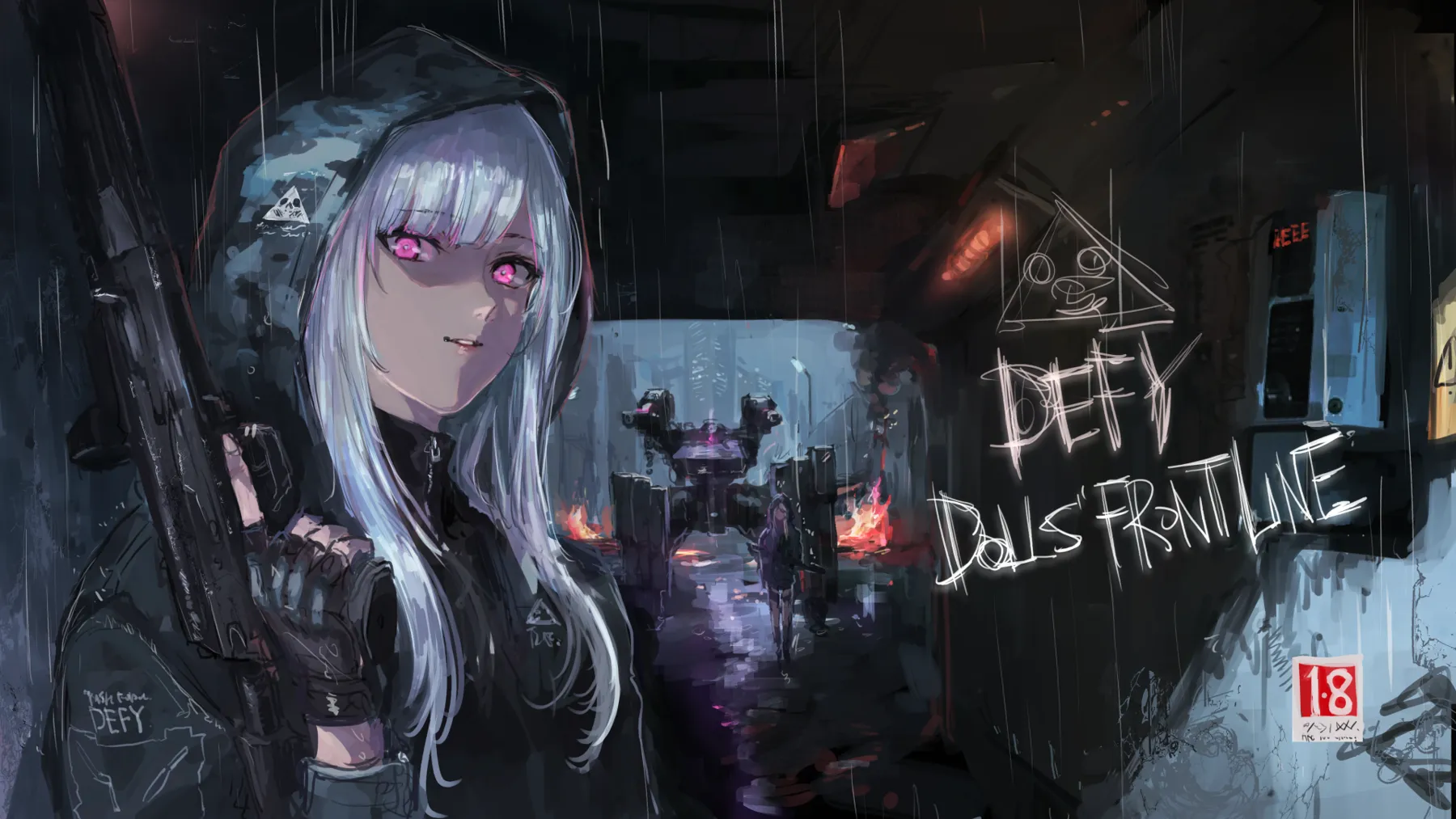




I mean... the aesthetic is hot as fuck.
The smell and taste? Beyond disgusting.
So, same. It works in art. Reality, no chance.
With nextcloud in particular, nextcloud is not just nextcloud.
It's a bunch of additional optional services that may or may not work as-is on Synology. And the Synology package won't come with all of them.
With docker, adding (or removing) additional services, such as Nextcloud Office, is comparatively simple.
I use this one professionally, yet to come across a PC that wouldn't boot from it.
And yeah, you won't benefit unless the PC also has both fast ports and fast storage.
But half of the time I'm using it to move files from a customers old PC to their new one, and more aften than not, even the old one has at least one quick usb C port.
Sure.
But that's limited to SATA 3 speeds. A "mere" 600 MB/s. Not to mention SATA SSDs often can't sustain their theoretical maximums.
USB3.2x2 can do 2500 MB/s, and with heatsinks on an NVME drive you can actually reach and sustain that transfer speed.
When you're moving more than 500 gigs of something, or if you move ISO sized things often, it's really nice.
When I occasionally have to write an ISO to usb for macOS or when ventoy for some reason wont work, I get annoyed at how I actually have to wait a bit, even though my thumbdrives aren't slow.
They're just not NVME with a heatsink fast. I've gotten used to moving ISOs around like they're text files.
True. But if you have an old one laying around, from a laptop, desktop or whatever, even a low end one will saturate usb while beating 2.5" hdds.
view more: next ›
Who tf you talking to, that you're using the words "preteen body" to describe Frieren?
I have literally never, ever, heard anyone claim that as a selling point for why someone should get into the show or manga.
What kinda people you hanging with, that they watch one of the most profound pieces of modern media, for that reason?