Google Play shows me this once a month.
You can only make it go away by closing and reopening the play store.
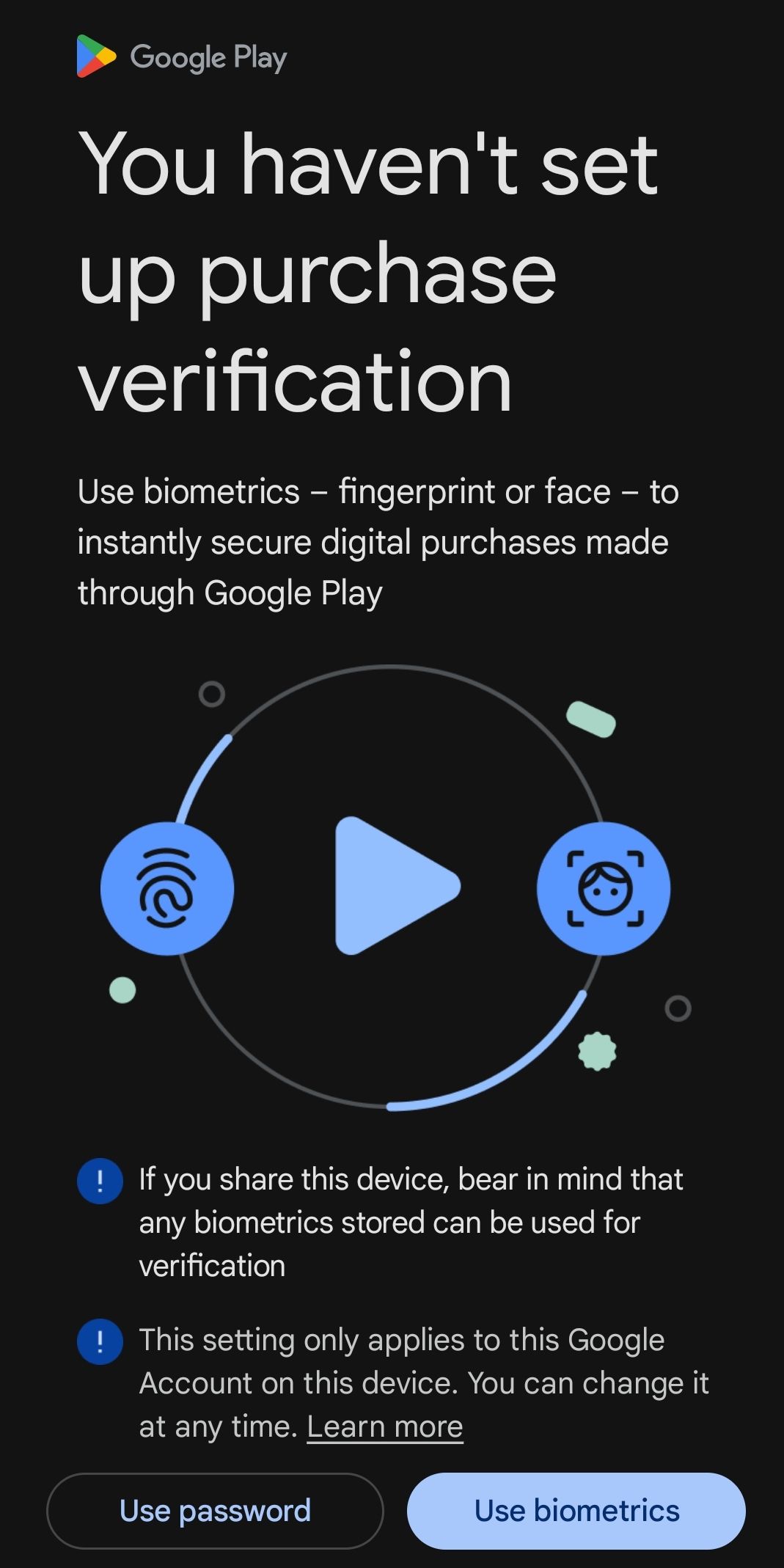
This is a community for designs specifically crafted to make the experience worse for the user. This can be due to greed, apathy, laziness or just downright scumbaggery.
Google Play shows me this once a month.
You can only make it go away by closing and reopening the play store.
While I agree it should be labeled "No, fuck you," isn't the "Use password" option functionally declining biometrics?
Yeah, that's the minimum requirement, and the default.
I don't know. They want me to enable "purchase verification" although I don't purchase anything there.
Jeez just enable pw auth and be done. Stop complaining about nothing just for the sake of it.
Yeah it does need an extra option, because I'm pretty sure you can just disable purchase verification entirely?

I guess you have to choose either of them, and then just disable it afterwards. Bad UX 😁
Not just bad UX, it's a dark pattern on purpose.
What do you mean you can only make it go away by closing and reopening? Have you ever pressed use password? If you ever make a purchase, that's almost definitely what the setting is already.
Don't know why you're being downvoted. That is, in fact, the default. If you make any purchase, it prompts you for your google account password to confirm it's you and not say, your kid ot a thief mashing the screen.
You can set it to never ask to confirm your password, or to not ask if you already confirmed in the last 30 minutes (and there's one other time setting too, can't recall what it is). The "how often" is a separate option from the "how".
So, the "how": For conveniece and Google's never ending gluttony for more data, you can set it to use face recognition or fingerprint recognition instead of a password.
But they already have your password, of course. It's the password to your Google account, not anything new you'd be setting up.
That's all this is.
None of this does effectively anything if you don't have payment info stored, as you'd have to enter it first to make a purchase, then verify however ypu have it set up. The default way being password. And if you never purchase anything, just leave it with no payment info, and set to your password. No need to mess with the "how often" setting, it has no effect if you don't purchase anything.
TL;DR- Why are you booing? ~~I'm~~ He's right.
Delete the Google Play Store and install Aurora off of F-Droid. This and many other problems solved.
The Aurora that f-droid deploys is missing the filter button on searches. I don’t know why. I have an archived apk to install 4.6 I think is the version, which has the filter button. Available if anyone wants it.
Why would they remove it? Ruins searches.
I've found when it does this, searching for the app on a browser and opening the link with the play store bypassed this