It's a standard android 16 phone. You can install whatever you want to it.
You can even just not use their launcher and have a very normal android experience.
It's a standard android 16 phone. You can install whatever you want to it.
You can even just not use their launcher and have a very normal android experience.
I've been testing out Qobuz recently since I'm in a similar ditching-Spotify place in my life. Honestly I think it's a great alternative. Sound quality is great and it has the multi device sync/status like Spotify.
I don't know what that feature is actually called but the feature where you can have a song playing in the app on your phone, open the app on a different device like your tablet, and it will show the "now playing" in the minimized player along with the name of your phone that it's playing (and you can swap it to play immediately on the tablet now instead). That feature in Spotify was a big one for me. Love that Qobuz has it.
I'm still building my listening history so I can't comment on how good the recommendations will be. But the suggestions I've gotten in the last few weeks were spot on.
Not sure what people are talking about with the app ui. It's a good app. Maybe it was bad in the past and they have made improvements? But coming from Spotify I think you'd have no issues using it.
Give the free trial a shot.
Most people didn't have tvs with 1080p resolutions when blurays came out. It was all SD, and so dvds ruled the market.
Once HD tvs were common, streaming was now the common medium. And streaming looked better than the standard def dvds.
Blurays will stay niche on comparison for sure, but I can't imagine anyone who is watching a dvd on a large HD (let alone 4k) TV is going to think the DVD looks good.
Thanks for this!
Where the heck is this advanced page linked to? Maybe it's not shown by default on mobile, but there is no advanced menu section or button in the settings page for me when I view it on my phone.
Directly typing the advanced url works of course but this is super frustrating that it's not visible for me otherwise. I wonder what else I'm not seeing as I mostly interact with Kagi on mobile
Care to share how you are doing this in Kagi?
Same here.
Here's the Reuters article that I'm assuming this headline was taken from:
https://www.reuters.com/world/us/trump-plan-import-argentine-beef-angers-us-farmers-2025-10-20/
FYI that's a 15 meg image you attached. You might want to optimize that and upload a smaller version
What phone are you using? Haven't had any change in text scale or battery icon size on the Pixel 9
I'm in the same boat. But I'm still using my steam controller right now. Really hope a V2 comes out sometime this year or next 🤞
I made the switch to Kagi January last year.
I know it's all just personal experience and everyone can have their own needs, but I was skeptical at first as well.
Almost a year and a half later I've got no complaints.
My searches feel like how Google felt years ago: mainly I never think about it. I search, find what I want and I'm off. It just works as I'd expect without the nonsense ads and AI Google has now.
Worth a free trial. See how it works for you.
So it's just the forward/backwards buttons you want at the bottom?
That's so interesting. I can't say I ever use the forward button when browsing and for backwards I just use the back gesture (same as any other app).
But thanks for the screenshots. I didn't even know people use that sort of setup.
FF should offer it then, if that's something people use/expect as a norm.
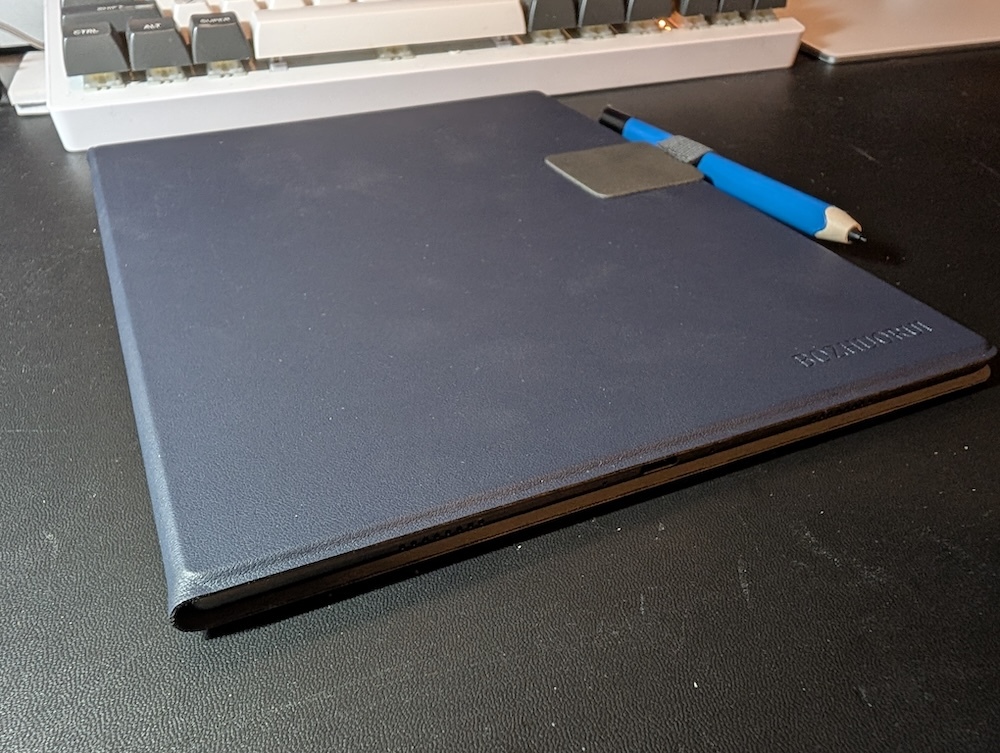
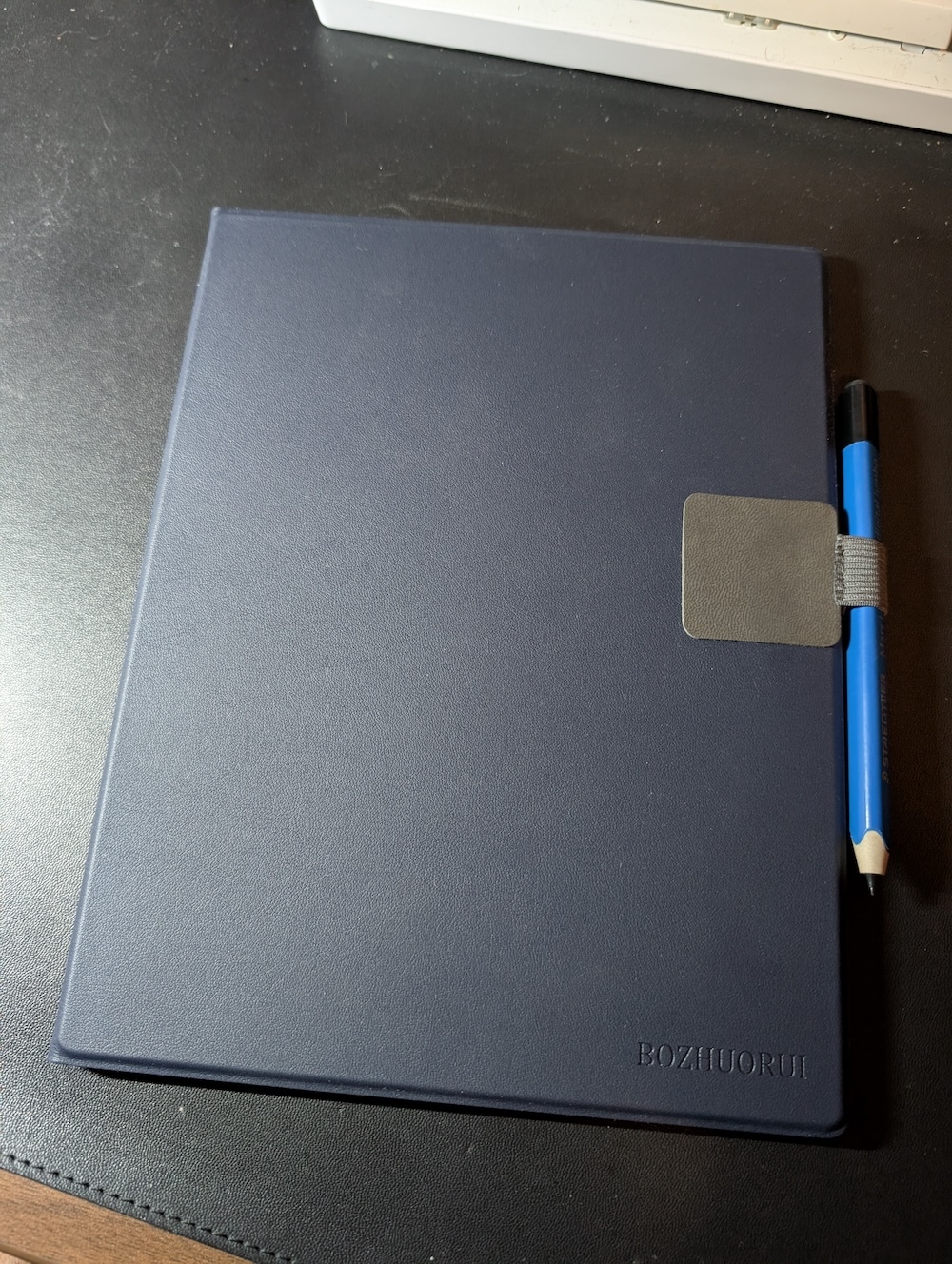
Picked up this case from Amazon since I didn't like the colors on the official case.
I had to buy a pen loop for a stylus, but aside from that, this is a basic no-frills magnetic case that I don't have much to complain about. The magnets hold the device secure enough that I don't feel worried about carrying it around.
If you search that case on Amazon you'll see it comes in other colors too. For ~$26 it's not a bad deal.
Some more pics:

Using the pen tool at size 2 on the Boox Go 10.3.
Really enjoying how the screen/writing feel is on this device. Just enough scratch / resistance to feel like vellum.
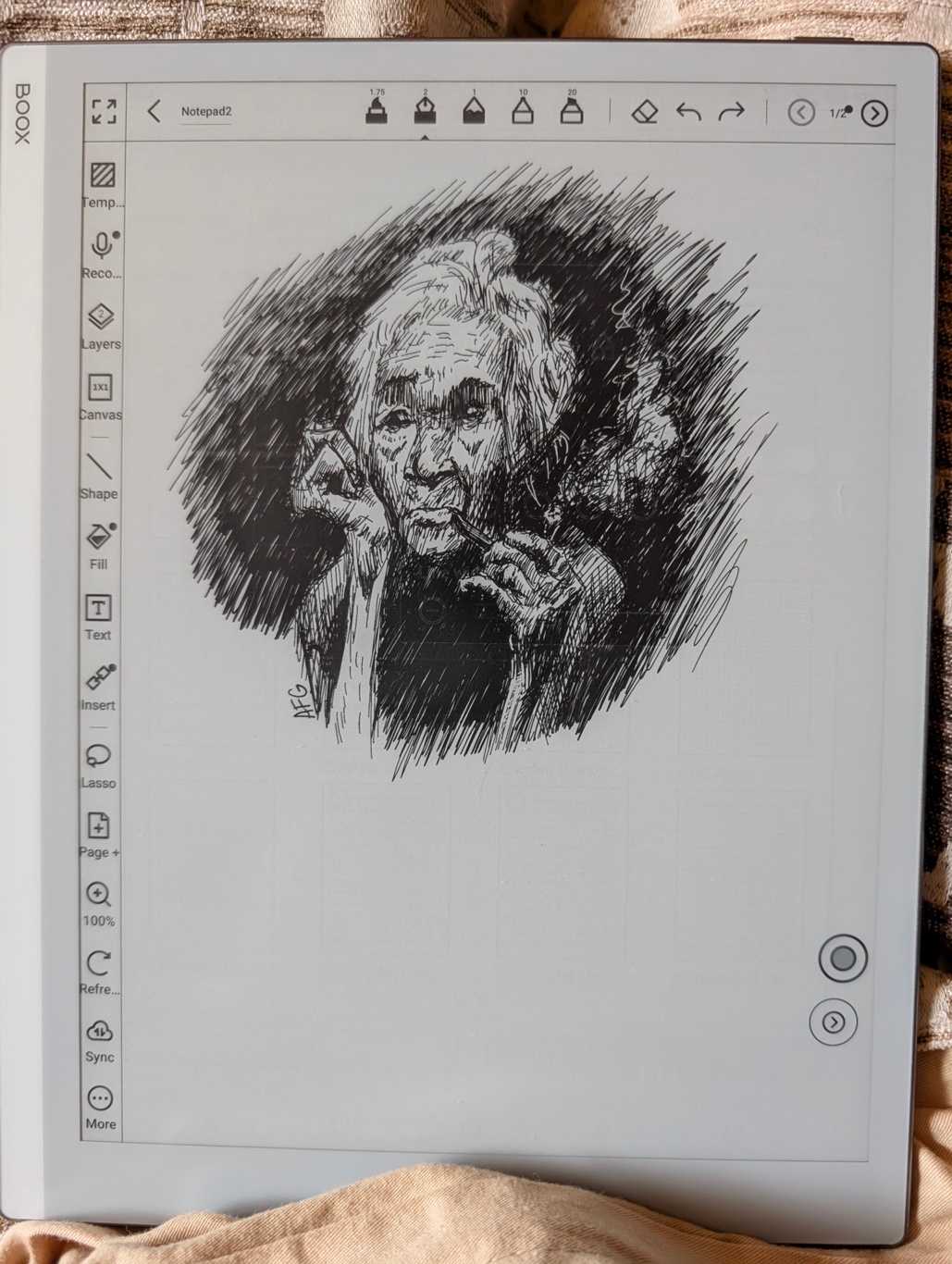
I've just started using the Boox Go 10.3 for 2 days now and did some very early tests with the pen/pencil tools in the notes app to get a feel for which will work best for my note taking and for drawing.
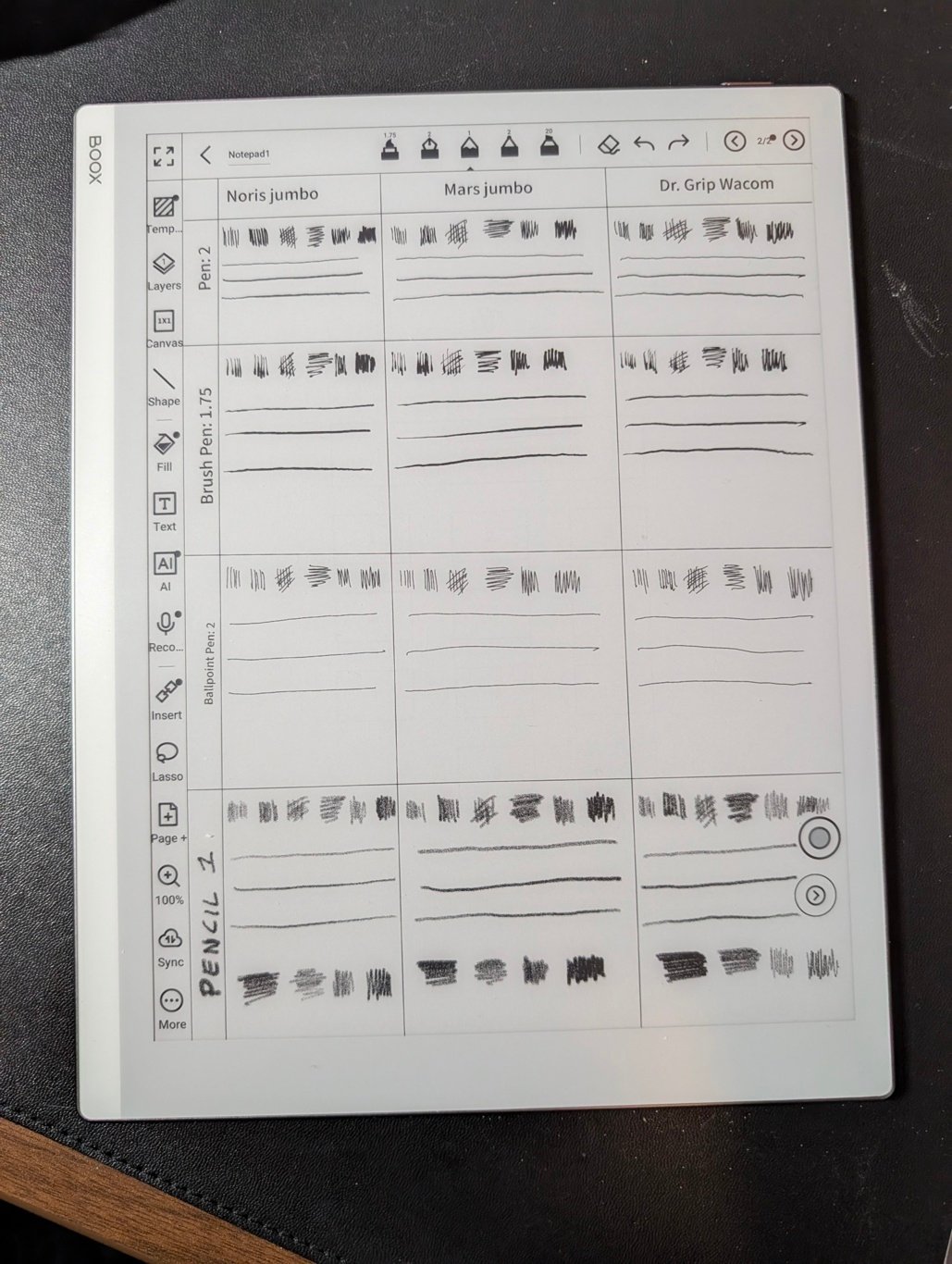
I made a gridded up note to test the same types of strokes and sketching with the 3 pen types and the pencil tool.
TL;DR is all 3 pens will be useful for line drawing, but the pencil is pretty bad. Especially when compared to the pencil tool in the Supernote Atelier app. I will keep using the Supernote for pencil sketches and use the Boox for ink sketches.
I tested the 3 Wacom emr styluses I own, the Jumbo Noris, the Jumbo Mars, and the Dr Grip. I did not test the official Boox stylus yet.
For each tool I did the same test:
First row:
Vertical shading lines with as light pressure as I can get
Vertical shading lines with hard pressure
Normal pressure cross hatch
Horizontal scribble shade from top to bottom
Vertical scribble shade with light pressure
Vertical scribble shade with hard pressure
Second - Fourth row:
Horizontal line with very light pressure
Horizontal line with hard pressure
Horizontal line starting with light pressure, then pressing hard, then ending light again (should produce a line with thin ends and a thicker center for tools that support pressure sensitivity)
Fifth row (Pencil only):
Horizontal scribble tilted with hard pressure
Horizontal scribble tilted with light pressure
Vertical scribble with light pressure
Vertical scribble with hard pressure
Results:
All tools with the exception of the Ballpoint Pen are pressure sensitive.
The Pencil tool only uses pressure to change line darkness, not line thickness, which is a bummer.
Another odd thing with the Pencil tool was when making horizontal lines, the pencil is "softer" and shades in a thicker manner than tilting the pen and making vertical lines. If you look at the scribbles in the last row of the Pencil section you can see what I mean.
Next up I'm going to attempt the same sketch using each tool. After that I'll do some tests for note taking to see which feels the best and looks most like my handwriting. I'll post those later this week.
I'll also try and post some photos of how the android apps I use look/render.
Hope this helps any other people looking for art-specific examples for the Boox. I couldn't find much out there with reviews where people used it for sketching so I'm going to try and fill that gap.
Here's a png export of the note:

This is pretty spot on from my experience as well. Also, the gap in quality from the Opus models and say GPT is vast.
100% agree on ui code. Really awful output there regardless of model.