Android

32729 readers
97 users here now

DROID DOES

Welcome to the Android community on Lemmy. Here you can participate in amazing discussions and events relating to all things Android.

The rules for posting and commenting, besides the rules defined here for lemmy.world, are as follows:

Rules


1. All posts must be relevant to Android devices/operating system.


2. Posts cannot be illegal or NSFW material.


3. No spam, self promotion, or upvote farming. Sources engaging in these behavior will be added to the Blacklist.


4. Non-whitelisted bots will be banned.


5. Engage respectfully: Harassment, flamebaiting, bad faith engagement, or agenda posting will result in your posts being removed. Excessive violations will result in temporary or permanent ban, depending on severity.


6. Memes are not allowed to be posts, but are allowed in the comments.


7. Posts from clickbait sources are heavily discouraged. Please de-clickbait titles if it needs to be submitted.


8. Submission statements of any length composed of your own thoughts inside the post text field are mandatory for any microblog posts, and are optional but recommended for article/image/video posts.


Community Resources:


founded 2 years ago
MODERATORS
1


The author 's reference to incremental improvements remind of entry level Samsung Phones (A Series). They often don't change much (though the newer ones get as high as six years of software support, IIRC).

This phone lacks wireless charging which the previous version had, an odd choice (though I had personally they had increased the wired charging speeds).

2


#android #smarphone

3
57
Local Desktop | Linux on Android (localdesktop.github.io)
submitted 2 days ago* (last edited 2 days ago) by yodeljunkmanenvy@piefed.social to c/android@lemmy.world


Local Desktop helps you run a desktop Linux environment on your Android device.

4


oh dear

5
6


I'm having trouble with the audio volume in Stardew Valley mobile. With wired headphones, the audio is very loud, but if I'm using Bluetooth (and I've tried multiple pairs), the audio in that game sounds as though it's capped at 50% and it's not a comfortable experience. My physical volume is at 100% and I've checked my Earfun settings to make sure everything is as high as it can go. My old Anker Soundcore earbuds had the same issue, but enabling 3D Audio in their settings seemed to fix it. My Earfun Air Pro 4's don't appear to have that option.

What's perplexing to me is that the audio from literally any other source is perfectly loud. Spotify, YouTube, other games.. It's fine. But I boot up Stardew and it's like playing with a wax blockage in both ears. Again, this is not an issue at all if I switch to wired earbuds/headphones.

Is there any way for me to amplify volume in general, or to apply amplification specifically to that app? I feel like I've tried everything to no avail. Volume booster apps have done nothing, Androids native Sound Amplifier does nothing, and I've enabled dev tools and everything.

I'm at a loss.

7


Still need to figure out the visualizer, the infinite song name scroll (just loops with return for now), and animating the stars and background (main menu) spinner.

Niagara launcher with a quick and dirty // img as icons via Icon Packer.

There's a bug that crashes the app if I use a global bitmap var in a komponent but other than that it's incredible what you can do with a day of tinkering.

8


Hello,

I've got a few directories that contain images that I don't want cluttering up my gallery wall in the software Aves Libre. I placed a .nomedia file within the directories. I recall in the past this has worked insofar as the software no longer displayed those images. But it's not working right now, and those images are all being shown.

Any idea how to resolve?

9
10
11
13
submitted 1 week ago* (last edited 1 week ago) by Horsey@lemmy.world to c/android@lemmy.world


I’m still in the saga of trying to switch to android and hit another roadblock lol. I’m looking for a web browser that implements gesture navigation with linear animations like on iOS. The closest browser I’ve found is opera GX, but the PC/MacOS version of opera runs like shit with 30fps animations for all the UI elements.

12


Funny, that my blackberry key2 has a indicator LED, 3.5mm jack, sd card, a special app for all messages incoming, a fingerprint sensor in the spacebar, touch sensetive keys etc...

I think the communicator will my phone after the key2

13
14


Hello, world! Is it possible to somehow remove an unlocked bootloader warning on newer Motorola phones?

I’ve tried to flash custom logo.bin via fastboot flash logo command. Boot logo has changed but the warning hasn’t been removed. Instead it just became plain text (as well as whole fastboot menu).

Would be grateful for any of you suggesting something ;)

15


I work at home mainly and would like to be able to play podcasts from my TV (Fire TV). I tried one or two apps from the regular app store and they were crap. I also tried AntennaPod side-loaded but some functions just don't work right. I'm trying to avoid using YouTube as well, plus fuck their dumb ads.

Before anyone says, "Use your phone," I try to keep my phone far away while I work to avoid it distracting me. I could use it to play episodes still but then I don't have a remote to pause or skip or adjust volume.

Any suggestions?

16


I hate shareit. It's full of ads and nonsense, but it's much faster than any other alternative?

17
18
195
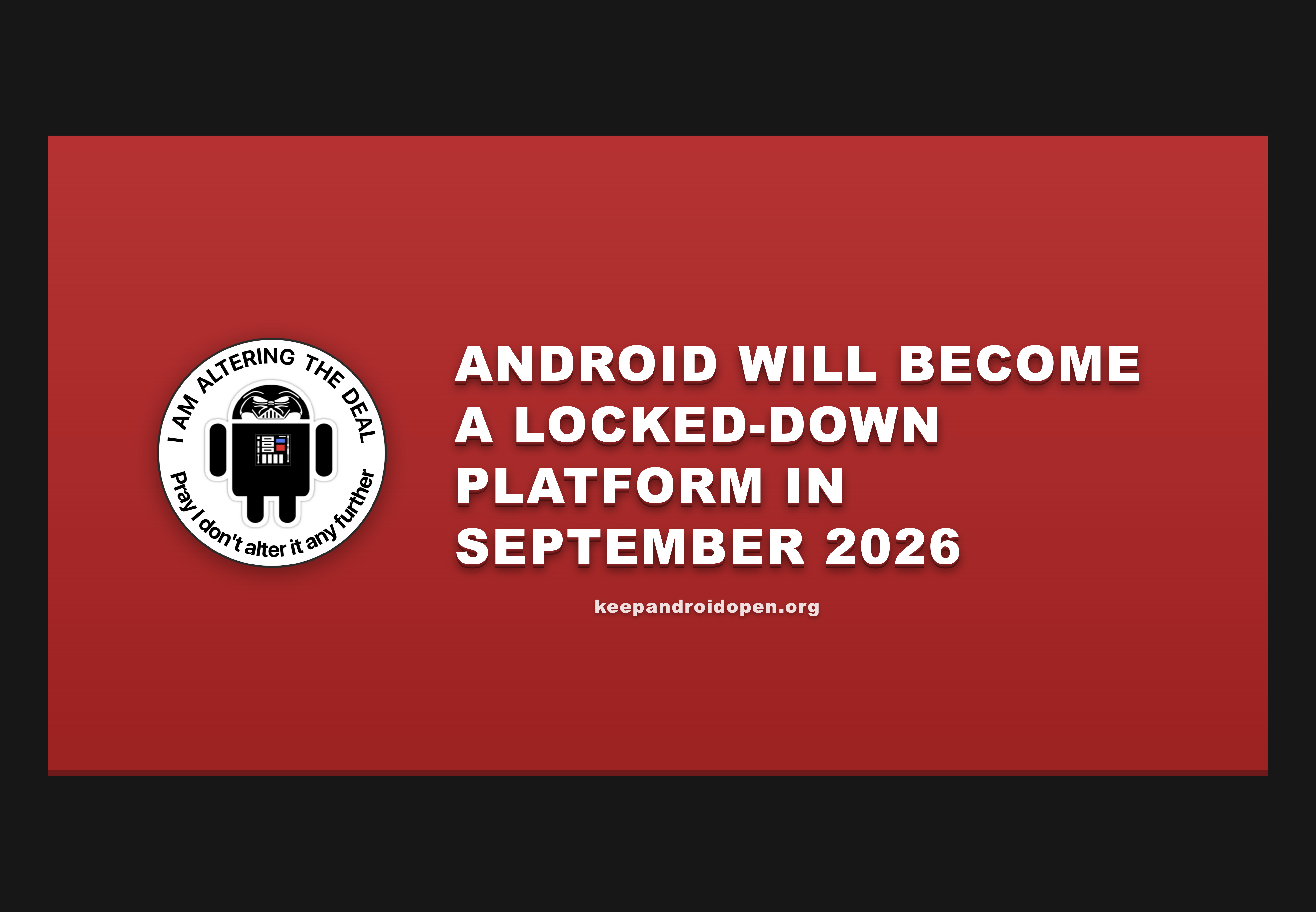
Keep Android Open (keepandroidopen.org)
submitted 2 weeks ago by passenger@sopuli.xyz to c/android@lemmy.world
19


Hello there,

basically the header.

My big speaker on the bottom on the phone is dead, and thats fine, i didnt need it anyway. Is there a possibility, as the speaker for phone calls at the top of the phone is working, to play all sounds from this speaker?

Phone:

  • Blackberry Key2

Android:

  • 8.1
20
21


I'm pretty bad with self control, and I've noticed that I'm spending too much time on Lemmy/Reddit, so I grabbed BlockApp to moderate my usage.

So far, it works really well. I appreciate that I can limit usage to x minutes an hour, as well as y minutes daily. It has a block screen, rather than killing the app like Digital Wellbeing.

It isn't perfect, but it's a good bandaid for poor impulse control.

22


Title basically. My phone has been getting frequent stalls despite my connection being excellent and fast when it works. Looking for an app to help me figure out what's happening.

23


I've posted on here a long time ago about RTranslator, which is a phenomenal, real-time translation app for conversations. It's a beautifully designed app that allows for on-device transcription and translation.

RTranslator has a few different modes that make it great for bilingual conversations. It can do simple text translations very well, like a handful of other apps. I actually use this one for that purpose because it has system context menus and OCR for image translation.

Where RTranslator really shines is in translating live conversations.

When it first came out a couple years ago, it felt like sci-fi. You can set it up to walkie-talkie mode, and the phone will automatically detect multiple speakers, identify the language they're speaking, and translate to the other language. If you have TTS enabled on your phone, you can even hear the other half of the conversation (more on that in a moment).

The really amazing feature is if you have translator installed on two separate devices, then you can communicate with each other over Bluetooth. Even with your phone in your pocket, you can easily have a complete conversation with another person. Did I mention that it does all of this without any internet?

When you first set up the app, you'll have to access the internet to download language models, but after that, it never goes online. The file size and processing power might be heavy on older or cheaper phones, but runs smoothly and easily on modern phones (I have a Pixel 7, which is hardly bleeding edge).

I like things that happen on-device for privacy purposes, but it's also immediately practical for something like this. If you need on the spot translation, there's a good chance you're traveling and may not have access to reliable (or free) internet.

Most Android devices have built-in text-to-speech (TTS). So after you've installed RTranslator and selected your languages to download, then you're good to go.

If you're using an alternative OS (like graphene, which I use), then you'll have to select one yourself. Note: I think that Google's TTS also works on device without an internet connection, but I'm not 100% sure.

That's where SherpaTTS comes in. Like the translator, Sherpa will need some space on your device and uses some processing power (although, the footprint is much smaller). It takes a little bit of time to set up, but most of that time is choosing your selected voice. There are literally hundreds of models to choose from.

You can set it up as your system default TTS, and then select it through the menu or during setup in RTranslator. Now you have modern, offline, live translation almost instantaneously.

Both apps are easy to set up and walk you through the process pretty quickly.

All software here mentioned is open source. Some of the models used by this software might be derived from proprietary sources, but the models themselves are considered open source. Nobody asked me to do this, but I like sharing great open source software. Projects like these don't have an advertising budget, and rely on word of mouth.

RTranslator On GitHub

SherpaTTS on F-Droid

SherpaTTS on OpenApk

SherpaTTS on GitHub

24


Hello everyone,

I’ve been working on a simple 3D maze game for Android. The main idea is a daily maze: everyone plays the same maze each day and competes on a global leaderboard.

It’s designed to be quick and casual. Wordle-style sessions you can finish in a few minutes.

Features:

  • Daily Maze: same maze for everyone, resets daily, global leaderboard
  • Random Mode: no competition, solution button available
  • Duels: real-time 1v1 races on a randomly generated maze

I’d really appreciate feedback, especially on what features or modes would be interesting to add.

The app isn’t public yet because Google requires a testing phase, but testing is open. You just need to join a Google Group and then use the Play Store link below.

Google group: (It may show "you don't have access to this content" but if you login you can request access. It's unfortunately a necessary step for the App links below to work.)

https://groups.google.com/g/maze-trials-3d-closed-testing

App links:

Web: https://play.google.com/apps/testing/com.mazegame3d.app

Android: https://play.google.com/store/apps/details?id=com.mazegame3d.app

(The App links above will only be available after joining the group. I'm very sorry, those are google requirements.)

Thanks!

25


I hear then connect through the earphones as always but then every other sound is played by the phone's speaker. I've tried reconnecting and rebooting them a few times without luck. Any suggestions?

Edit: rebooting the phone solved it.

view more: next ›