Not a huge fan of their obsession with removing text from things and replacing them with icons
this post was submitted on 26 Aug 2026
28 points (100.0% liked)
Apple
20901 readers
109 users here now
Welcome
to the largest Apple community on Lemmy. This is the place where we talk about everything Apple, from iOS to the exciting upcoming Apple Vision Pro. Feel free to join the discussion!
Rules:
- No NSFW Content
- No Hate Speech or Personal Attacks
- No Ads / Spamming
Self promotion is only allowed in the pinned monthly thread
Communities of Interest:
Apple Hardware
Apple TV
Apple Watch
iPad
iPhone
Mac
Vintage Apple
Apple Software
iOS
iPadOS
macOS
tvOS
watchOS
Shortcuts
Xcode
Community banner courtesy of u/Antsomnia.
founded 3 years ago
MODERATORS
It helps people who can’t read.
Take your upvote. Don’t spend it all in one place.
Apple: "I am altering the deal. Pray I don't alter it any further."
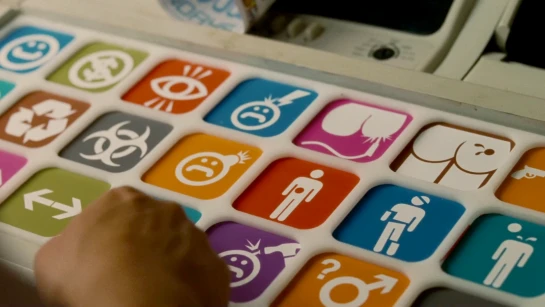
I agree that objective it’s probably less good from a usability perspective but idk I do kinda like how it looks personally (specifically on the keyboards)
So they suck now.
Damn. I was hoping they'd finally allow supporting more than one Mac.
Ah, so at least I know what I’m getting into when I press home or end now.
While debatably more accurate to the words on the key, going to the start or end of an entire document is far less useful than start or end of a single line. Instead I have to press Ctl+a or Ctl+e all the damn time to make some quick edits….
Experiment with cmd-rightarrow, cmd-option-rightarrow, etc
Doesn't require looking at keyboard