WASTECH

joined 2 years ago
[–] WASTECH@lemmy.world 5 points 2 months ago (1 children)

There is an iOS/macOS app called “Pi-hole Remote” that can manage multiple PiHole instances at once. I use that because it will make changes on both instances at once for me.

Other than that, I log in to each device and copy paste.

[–] WASTECH@lemmy.world 2 points 2 months ago (5 children)

I’m pretty out of the loop. Did something happen with Twitch?

[–] WASTECH@lemmy.world 8 points 2 months ago (2 children)

These contracts do not stipulate reimbursement for lost revenue. The “uptime guarantee” just gets you a partial discount or service refund for the impacted services.

It is on the customer to architect their environment for high availability (use multiple regions or even multiple hyperscalers, depending on the uptime need).

Source: I work at an enterprise that is bound by one of these agreements (although not with AWS).

[–] WASTECH@lemmy.world 3 points 3 months ago

I’ve tried both Unraid and TrueNAS. While I greatly prefer TrueNAS, Unraid is much easier to set up and get going for beginners. It’s been a while since I’ve set up TrueNAS from scratch, but last I tried, it wasn’t a very beginner friendly experience. If you weren’t already familiar with ZFS, you were in for a pretty difficult time.

[–] WASTECH@lemmy.world 2 points 3 months ago

I’ve never used your exact setup, but I have had issues with a web server behind a WAF not getting the client IP (all user traffic was shown as the WAF IP). In my case, the WAF was appending the client IP in a header, and I just had to tell web app to use that header as the client IP instead of the actual IP. Again, not sure if this helps since I have never used podman or caddy (this setup was with Wordpress and an Azure Application Gateway) but the same principles might apply.

[–] WASTECH@lemmy.world 12 points 3 months ago (4 children)

I previously had a QNAP, and they honestly aren’t much better than Synology. I would definitely go the build your own route. For the OS, I really can’t recommend TrueNAS more. I’ve been using it for years and it is rock solid.

[–] WASTECH@lemmy.world 2 points 5 months ago

Beautiful photo! I’m going to Japan in October and I am so excited!

[–] WASTECH@lemmy.world 8 points 5 months ago (1 children)

They mention in the post that other apps are coming soon. If they start letting you self host Protect, that will be huge. When they killed off Video, the only way to get their cameras to work was to buy their hardware that could run Protect. I was shocked when they allowed you to use 3rd party cameras in Protect.

[–] WASTECH@lemmy.world 2 points 5 months ago (1 children)

What’s the difference between the two? Reading the GitHub for meshcore, it sounds exactly like meshtastic. What makes it better?

70
Bee (lemmy.world)
 

Saw this bee that landed outside my window and had to go take a picture of it. I wanted to test out my new A7R V, and this was a great test to see the amazing resolution of this camera!

[–] WASTECH@lemmy.world 2 points 9 months ago

I moved all of my Docker containers over to TrueNAS apps recently, and it’s been great so far. Alternatively, I think the best option for keeping your compose files and all that would be to upgrade to 25.04 (Fangtooth). Fangtooth lets you deploy containers using compose YAML. Each app has to be in its own YAML which can be a bit of a pain, but you would fully own everything so no need to worry about another rug pull.

Alternatively, I’ve seen some people just install Dockge and run all of their containers inside of that.

[–] WASTECH@lemmy.world 2 points 9 months ago (1 children)

I work for a medium size enterprise as a backup architect. All of our backups are crash consistent and we’ve never had an issue.

Windows has an easy way of dealing with this in the form of VSS. As long as the application supports it, VSS can prepare the system and application for a backup, putting it in an application-consistent state before the snapshot is taken. Unfortunately, there is no equivalent for Linux. The best you can do is pre-freeze and post-thaw scripts to put the application/OS in a backup-ready state. Really though, I wouldn’t worry too much about it. Unless you are running an in-memory database, you really don’t need to worry about application consistency. If you are running an in-memory database, take database level backups (can also be done with pre-freeze/post-thaw scripts) and back up the backups.

Just remember to test whatever solution you end up going with, and make reminders to frequently re-test your backups. You never know what might change in a year’s time, so re-testing periodically is a good way to make sure everything is still functioning properly and make sure your data is still protected. And testing needs to be more than just making sure the VM powers on. Make sure the application can start up and function properly before calling it a successful test.

[–] WASTECH@lemmy.world 1 points 9 months ago (3 children)

I have been using TrueNAS for about 3 years now and couldn’t be happier. It can do all of the backup stuff for you as well. I’m not sure if you would be able to use the key server for booting though, but I believe it would check all the other boxes. I don’t currently run VM’s on it (only docker), so not sure what it can do for VM backups.

Regardless of what you end up going with, I’m curious why you are saying you need to shut down the VM to back it up? I’m not familiar with how you are running the VM so not sure if it’s a limitation of the hypervisor, but I would think as long as you can snapshot the disk, you could just back up the snap. It would be crash-consistent rather than application-consistent, but for a backup scenario that should generally be fine.


I’ve been out of the custom keyboard scene for several years, and recently dove back in with the Sat75x. I’ve built probably 15-20 custom keyboards over the years, but the last few I built before stepping away used the CreateKeebs SOTC Linear switches. I am a huge linear fan, and these switches ticked all the boxes for me. The factory lube was good enough that I didn’t feel the need to lube them myself (which I hate), they had a really good feel, and the sound was pretty good. Unfortunately, it looks like they no longer make these switches as I have been watching the Divinikey website (the only place I know sells them) for a few weeks now, and they haven’t come back in stock.

There are a ton of different switches on the market now, so I am looking for some recommendations for some good linears!


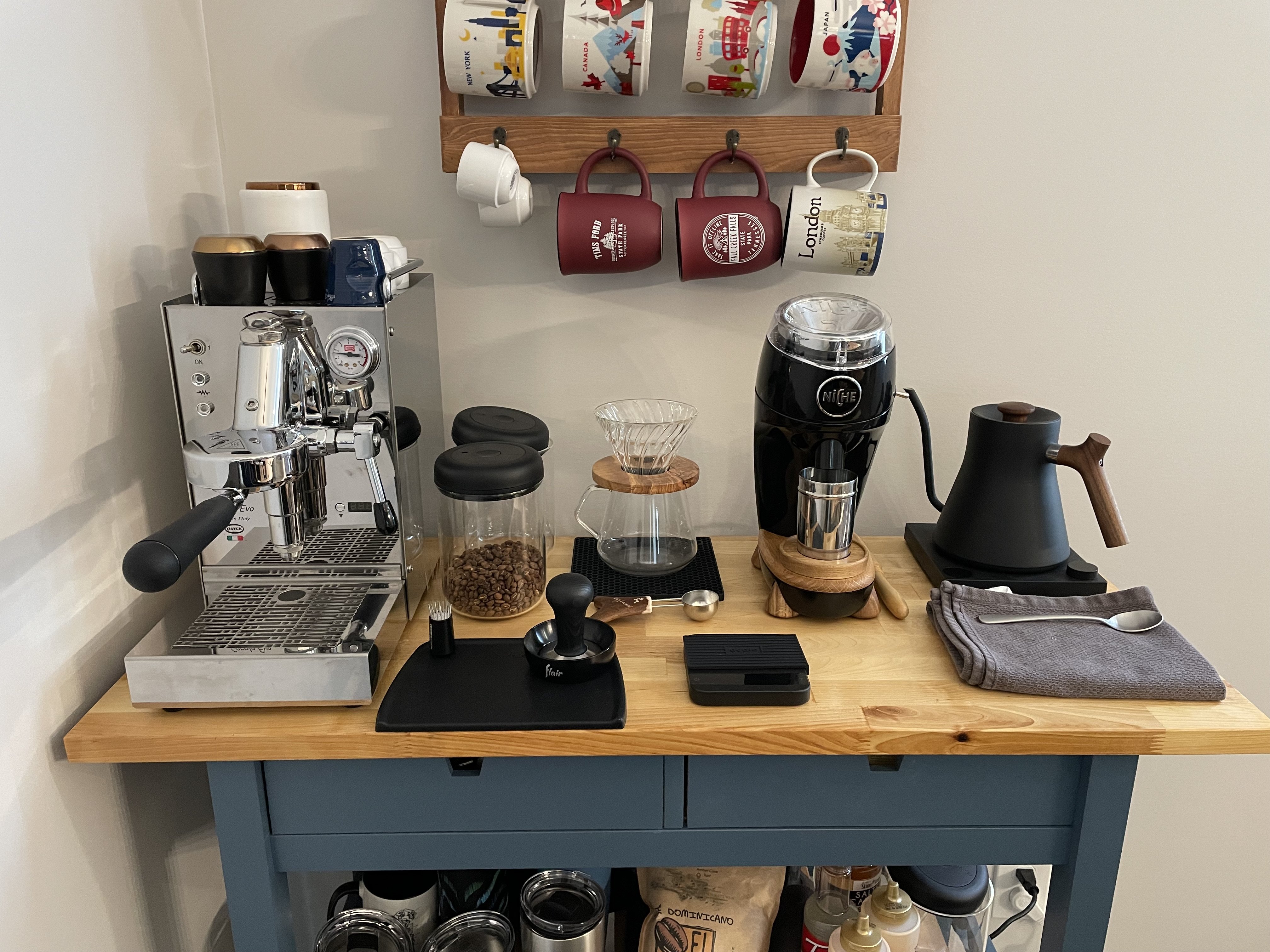
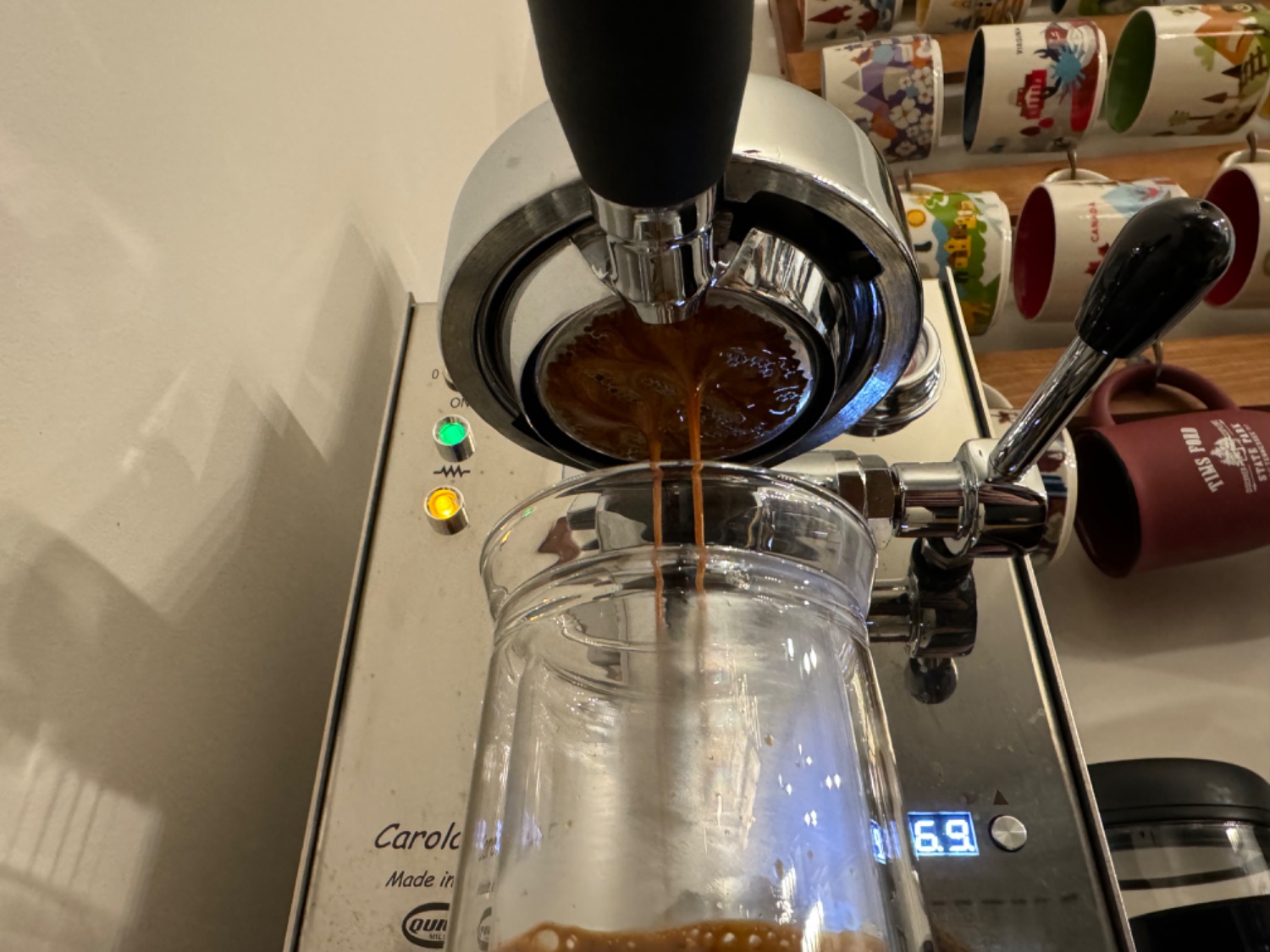
Please help! I have all the fancy espresso tools and a nice grinder, but I have no idea why I don’t get an even flow out of my machine. I have a Niche grinder, I use a WDT tool to distribute the grounds, I use the Normcore distributor, and a normal dose tamper. I replaced the shower screen on my espresso machine with the VST screen and I’m using a VST 18g basket with a puck screen. I am pulling 40g shots in about 28 seconds, so I believe my flow rate is right, but I can’t figure out what I’m doing wrong!


I set up SSL certificates for my internal services behind Traefik, but I was having some issues obtaining the certificates. I ended up having to add this line in my Docker compose file to bypass PiHole which is controlling the internal hostnames for my domain:

- --certificatesresolvers.letsencrypt.acme.dnschallenge.resolvers=1.1.1.1:53,1.0.0.1:53

After adding that, I was able to successfully pull a cert. The issue is, I have a firewall set up that blocks DNS requests from everywhere except my DNS servers (PiHole), so I had to pause that rule temporarily to get the request to go through.

Wondering what I can do here (if anything) to resolve this without having to disable my firewall rules regularly.

 

I finally decided that I wanted to be able to externally access some of my Docker containers from outside of my local network. I don’t want to deal with the security hassle of exposing ports on my router, so I decided to go with Tailscale.

All of my container web services are run through traefik and are accessed using hostnames I set up on my DNS server. How would I go about accessing the different web services externally since the hostnames don’t resolve?


Updated my dock to the latest firmware today. It worked fine until I restarted my deck to try and resolve some game streaming issues. After restarting the deck, the dock no longer works. When it is first connected to power, the ethernet lights strobe then go dark. Ethernet isn’t being detected by the deck and neither is the HDMI connection, but it still passes power on to the deck. Anyone else have any issues with this after the latest update?

 
view more: next ›