this post was submitted on 19 Feb 2026
6 points (100.0% liked)

HomeComputing

191 readers
2 users here now

For people sick of everything requiring Internet connections, online accounts and subscriptions

founded 3 weeks ago
MODERATORS
 

Sorry if this is the wrong place to post this, redirects welcome.

I've got an old MSI Z97 mobo. Not surprised the CMOS battery died, but I replaced it and it doesn't seem to have fixed anything. Any time the board loses power the startup settings still reset and I have to use the physical keyboard to reconfigure it; not conducive to controlling it remotely as I'd prefer. Any ideas?

welp, replacing the replacement seems to have done the trick!
the og battery i replaced is long gone, but this is the replacement i put in like a month ago
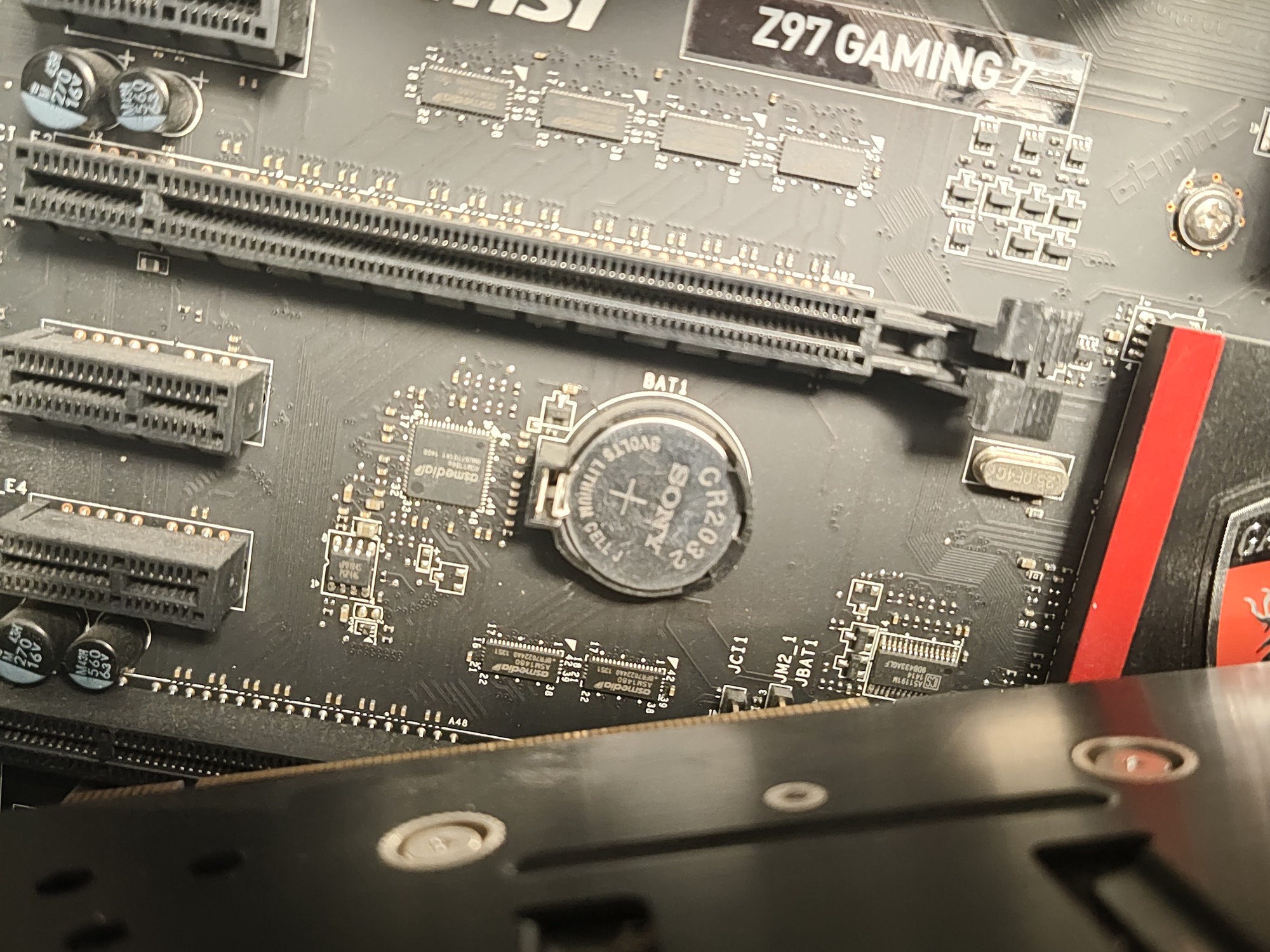
hch3S9Gycu2gadW.jpg
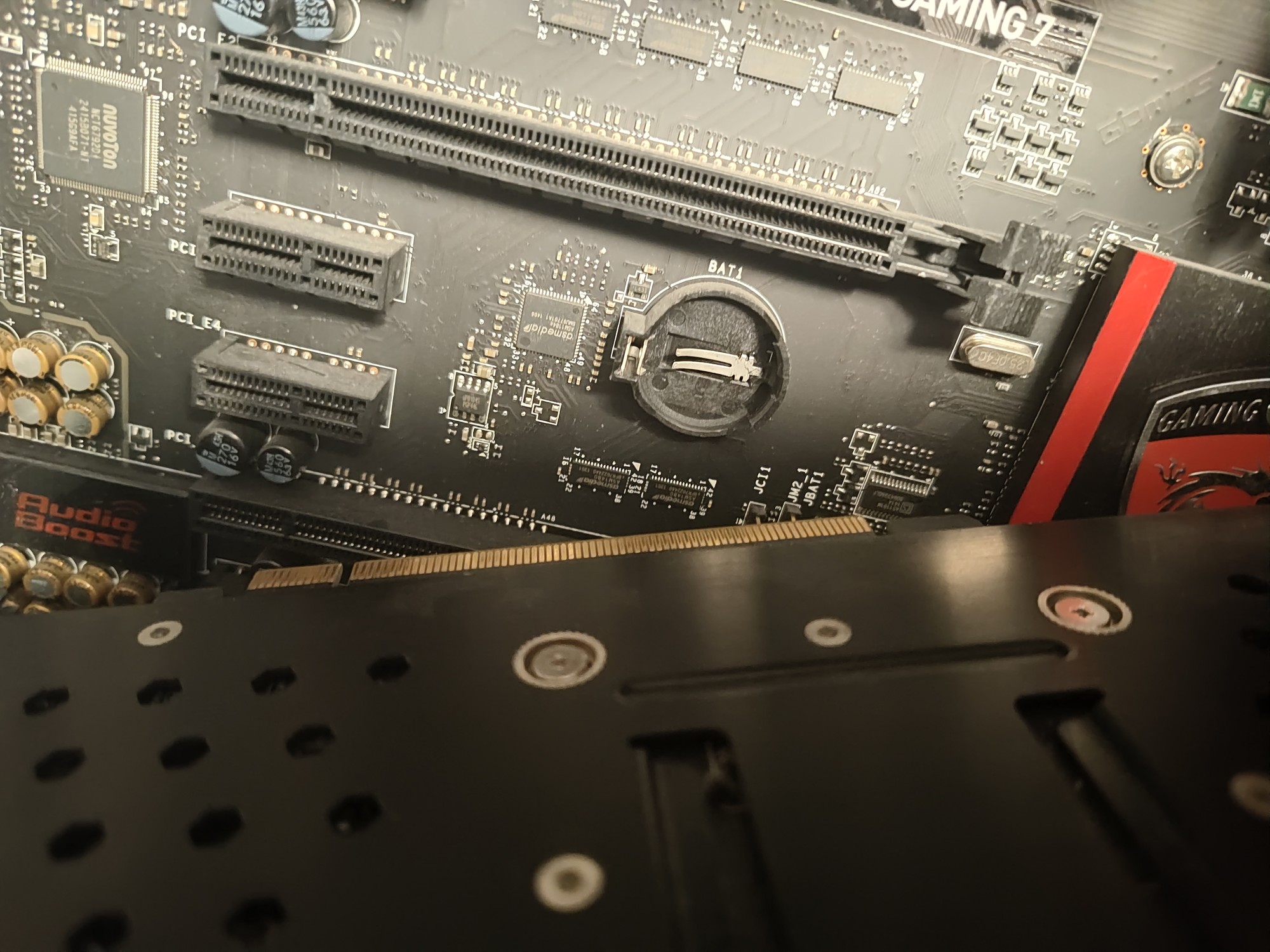
the empty slot

VBi0AvTmNhWZWge.jpg

and now a NEW replacement, i never would have thought to do it again.
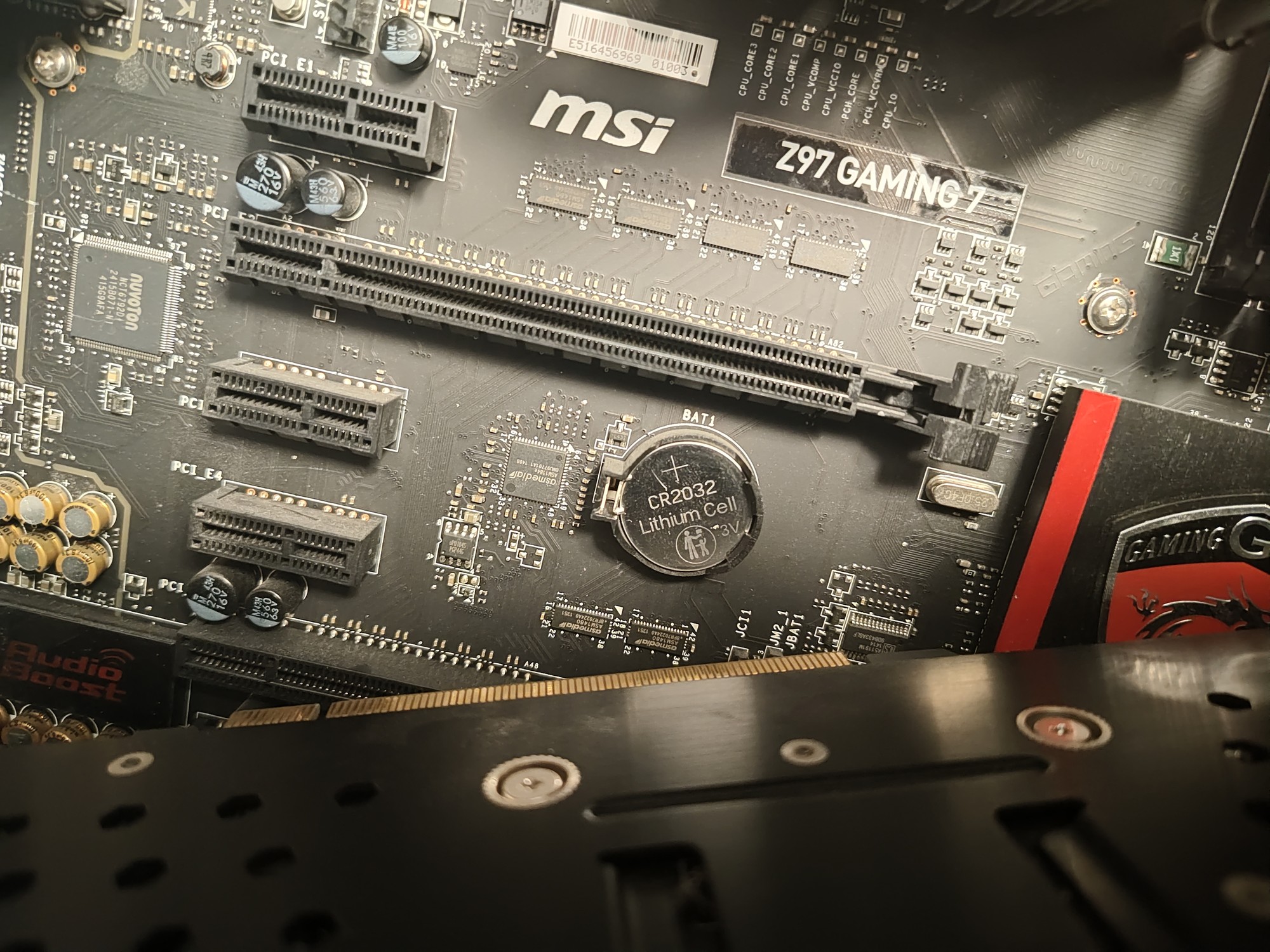
WTzyYM1mcWUjbs4.jpg

i put the sony battery into a different mobo and it seems to work... i swear i had it pushed all the way in, idk why it wasn't working. thanks for the help though!

top 3 comments
sorted by: hot top controversial new old
[–] charonn0@startrek.website 5 points 2 weeks ago

That motherboard has a CMOS reset jumper next to the CMOS battery--two metal pins sticking up labelled "JBAT1". Connecting the pins with a jumper cover tells the system to clear the CMOS memory on boot. In normal operation the pins should not be connected.

[–] KiwiTB@lemmy.world 3 points 2 weeks ago

Check you have replaced the battery correctly, some times the pins are not making contact after being replaced. Check where it makes contact and sometimes you can bend them in to connect better. But try a simple replace first.

[–] Onomatopoeia@lemmy.cafe 3 points 2 weeks ago

Double check the new battery is good.

I just put a *new" button cell in my kitchen scale and well, it wasn't "new".