this post was submitted on 20 Apr 2025
14 points (100.0% liked)
Melbourne
2433 readers
32 users here now
This community is a place created for the people of Melbourne and Victoria. We are a positive, welcoming and inclusive community. We might not agree about everything, but we always strive to stay civil and respectful.
The focus of our discussions is based around things that affect Victoria, but we are also free to discuss our local perspective on wider issues. Or head to the regular Daily Random Discussion thread to talk about anything.
Ongoing discussions, FAQs & Resources (still under construction)
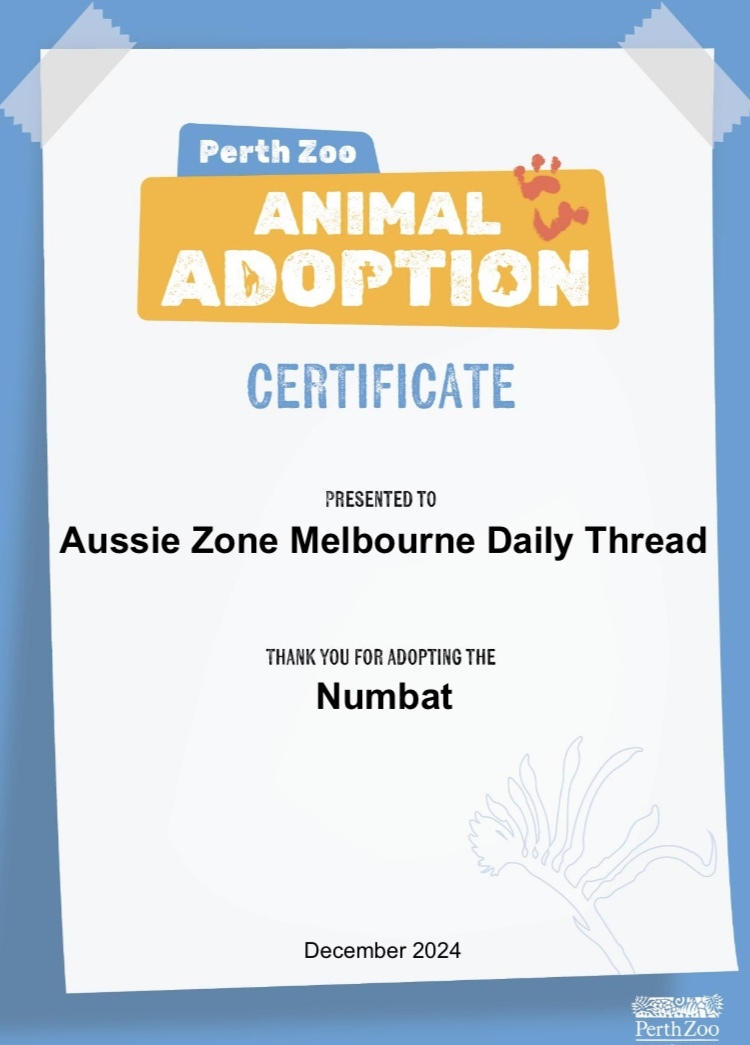
Adoption Certificate for Nellie, the Daily Thread numbat (with thanks to @Catfish)
founded 2 years ago
MODERATORS
you are viewing a single comment's thread
view the rest of the comments
view the rest of the comments
Computer yapping
I’ve kind of got a plan. The stuff is on my computer now and hopefully I work out how to avoid it being yoinked again when I unlink… like happened to someone else. I do have doubles on another cloud storage so I can potentially delete some of the largest files. That’s still cloud tho.I’m having to fight the computer on backup. It keeps hiding the physical backup option and directing me to the cloud option… I kept digging and found a Win 7 backup option (WTF) which then failed.
I hate Windows 11. Windows 11 was a mistake.
I do have an optical drive that could be used to make a cd copy of just these files but 1. cheap crappy thing doesn’t work and 2. storage capacity. I don’t have dvd discs and there’s no cd drive on the computer.
If this little bitch keeps testing me I actually could remove the hard drive, screw it into an external drive enclosure and rip the data off it that way. However I don’t want to mess with it drastically like that before being able to reliably back up everything else on there. And I’m still in the process getting my photos off Facebook to store locally in preparation for potentially deactivating so I need to back those up too.
Also I don’t want to risk damaging that drive while doing that because I need a Windows computer to play games. I did manage to get my hands on a Windows 10 iso which I could revert it to once backup is sorted but then I would be left with an outdated insecure system.
I could just buy a massive thumb drive and drag files on manually just to get myself some breathing room with freeing up my email. Some of the files are just large ie. security camera video clips.
I’m also working on getting Linux onto an old desktop that doesn’t have the requirements to update to Windows 11. I’m backing that up and will see how I go once I’m done with previous. I’ve installed it before but only did things like installing stuff and surfing and once ran an antivirus to practice the commands so this might be an easy way to take a deeper dive than previously. See if it can do the things I need.
The one snag with that is I’m trying to do the checksum to verify the Cinnamon iso before creating the bootable version and the hashes are not matching.
I downloaded both the sha256 files I was directed to so they should be the right ones, I’m typing the powershell command right and it’s working, and have tried multiple mirrors for the iso so… ???
Maybe I should try again with Ubuntu? But Mint is the beginner version for people transitioning from Windows