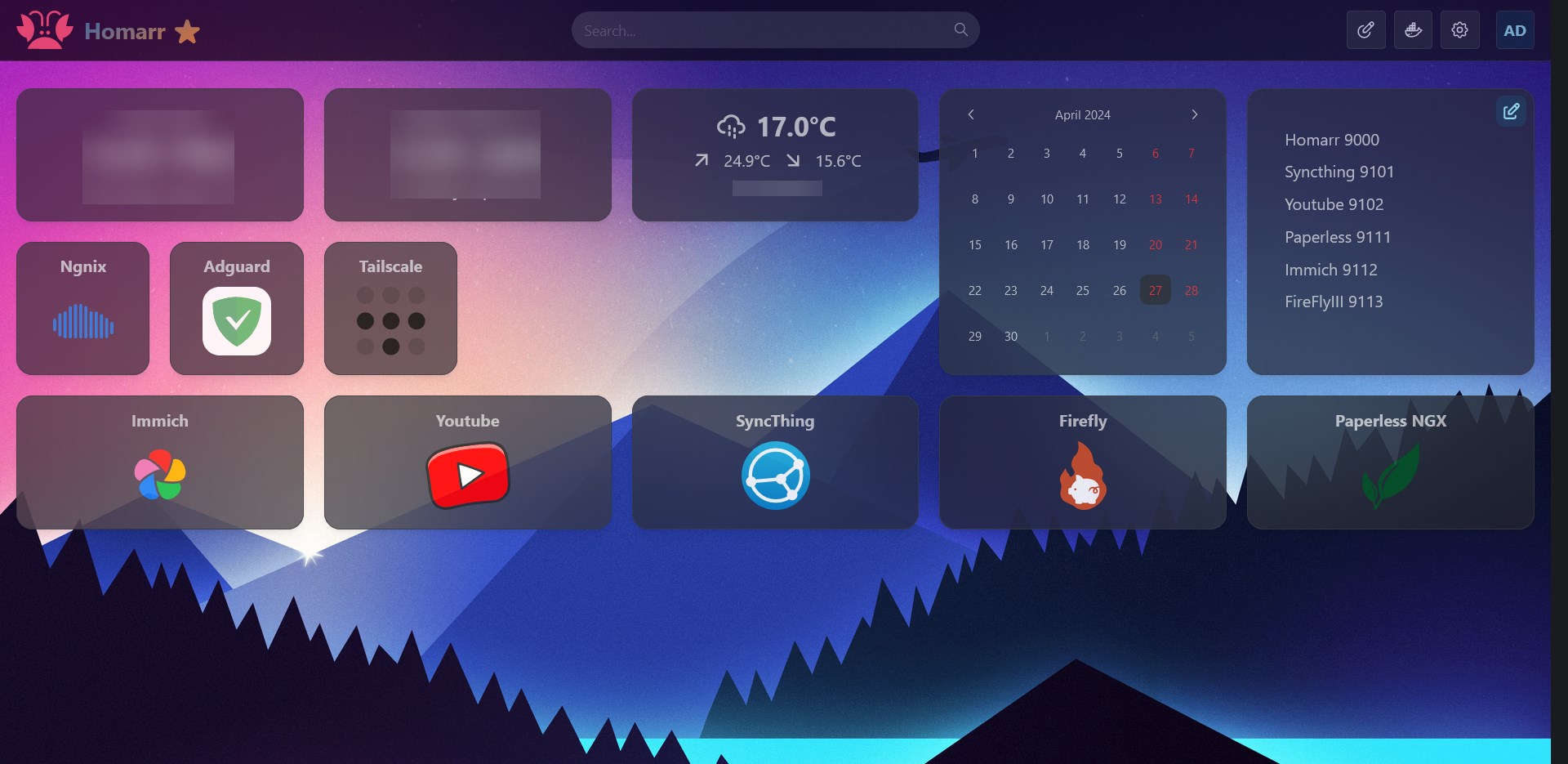
I spent all day today trying to get the routing to work correctly between Tailscale, Nginx and Adguard.
Basically I wanted to be able to be able to use **http://immich.network ** to route to 192.168.1.2:9000
I wanted to share the steps I took so people don't have to go through what I did.
First a few things Local Server IP: 192.168.1.2
- I installed Ngnix and Adguard, in a Docker Containers, and gave Adguard IPs 3000, 3001 instead of 80 and 443 because Ngnix took it.
- I went to my router and made it use the DNS: 192.168.1.2
- I configured Proxy Host in Ngnix ..... immich.network => 192.168.1.2:9000
- I configured DNS rewrite in Adguard .... *.network => 192.168.1.2
At this point I was able to use http://immich.network finally. I installed Tailscale to be able to access when I'm outside but http://immich.network didn't work.
These helped me https://tailscale.com/kb/1019/subnets + https://tailscale.com/kb/1054/dns?q=global+nameserver
- I created a subnet..... tailscale up --advertise-routes=192.168.1.0/24
- I approved it on Tailscale login
At this point I was able to access home server using its local IP 192.168.1.2 but I couldn't get http://immich.network to work.
- I created a nameserver dns with split DNS but I used my local ip.. 192.168.1.2 => network
Finally everything is working.. I have a feeling that I'm doing it wrong but I'm too tired and it's finally working.
Is it possible to issue and update certificates for LAN services? About wildcard certificates, is it possible with Let's Encrypt? Thanks!
Everything I mentioned works for LAN services as long as you have a domain name. You shouldn't even need to point the domain name to any IP addresses to get it working. As long as you use a domain registrar that respects your privacy appropriately, you should be able to set things up with a good amount of privacy.
Yes, you can do wildcard certificates through Let's Encrypt. If you use one of the reverse proxies I mentioned, the reverse proxy will create the wildcard certificates and maintain them for you. However, you will likely need to use a DNS challenge. Doing so isn't necessarily difficult. You will likely need to generate an API key or something similar at the domain registrar or DNS service you're using. The process will likely vary depending on what DNS service/company you are using.
I'm using Cloud flare, I'll look into it, thanks!